- passed the AI-901 beta exam and earned the Microsoft Certified: Azure AI Fundamentals credential
- used Microsoft Learn and hands-on Python exercises as my primary preparation resources
- focused on the AI-901 skills outline, Microsoft Foundry, Azure AI services, Python examples, and responsible AI rather than rote memorization
I recently earned the Azure AI Fundamentals certification by passing the AI-901 beta exam, and I wanted to capture the study resources and approach that helped me pass. Since AI-901 is replacing AI-900, this post focuses on the newer exam objectives and the Microsoft Foundry-centered learning path.
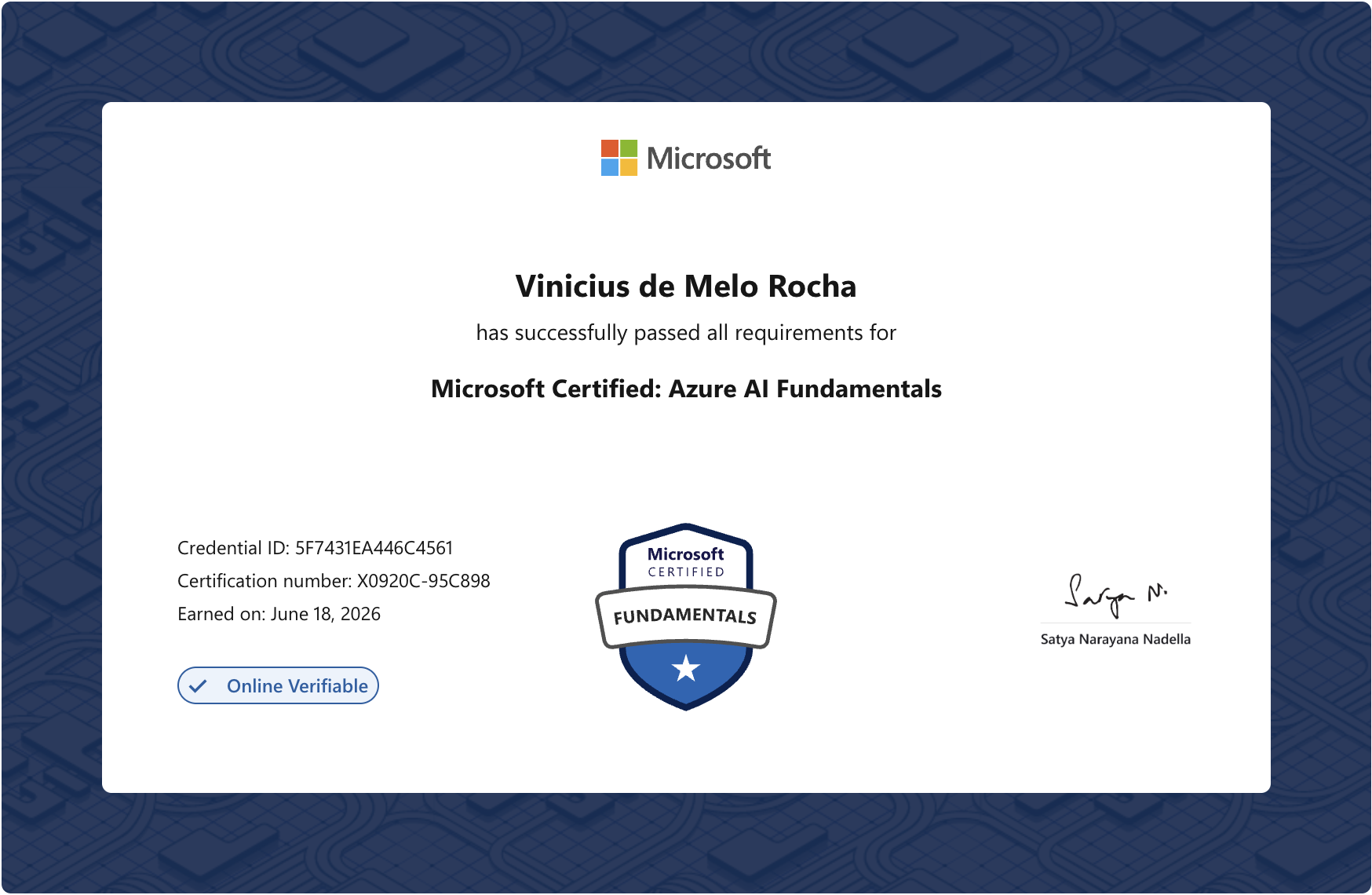
Verify this credential on Microsoft Learn
Why Azure AI Fundamentals
This certification is a great entry point for developers who want to understand and build AI solutions on Azure. It is not about becoming a machine learning engineer overnight. Instead, it covers responsible AI principles and common workloads such as language, vision, generative AI, and agents. AI-901 also introduces practical foundations, including using Microsoft Foundry to deploy models, understanding how applications consume AI services, and reading Python code examples.
One important detail: AI-901 is more than a renamed AI-900. The newer exam puts more weight on AI concepts, responsibilities, and implementing solutions with Microsoft Foundry, so I recommend preparing directly from the AI-901 materials instead of relying only on older AI-900 notes.
For me, the exam was worth it because it gave me a structured way to organize my knowledge of Azure’s AI ecosystem and build a mental map of its products and capabilities that I can refer back to.
What I used to prepare
- Microsoft Learn: the official AI-901 course is the best starting point. I completed every module and hands-on exercise, including the practical labs in Python. This helped me recognize the SDK and sample code patterns used in Azure AI.
- AI-901 study guide: I used the skills measured outline as a checklist, especially for responsible AI, AI workloads, and Microsoft Foundry tasks.
- Azure free account: My free-trial credits had already expired, but completing all the exercises cost me only R$1.70; about US$0.30 at the time. I still recommend setting a small budget alert or deleting lab resources as soon as you finish.
- NotebookLM: Because I took AI-901 while it was in beta, Microsoft did not yet offer an official practice assessment. I used NotebookLM to generate practice questions for each topic instead, then checked weak areas against Microsoft Learn rather than treating generated answers as authoritative.
What helped the most
The combination of hands-on practice and official learning content made the biggest difference. Microsoft Learn provided the structure, while completing each exercise in my own Azure account turned abstract product descriptions into practical understanding.
If you are planning to take the exam, I recommend:
- Start with the official AI-901 course on Microsoft Learn.
- Keep the AI-901 study guide open and mark each objective as comfortable, needs review, or unknown.
- Build a few small apps using Azure, such as a Q&A bot, an image analyzer, or a simple Foundry model deployment consumed from Python.
- Practice reading short code snippets. You do not need advanced Python, but you should be comfortable recognizing clients, endpoints, keys, prompts, and response handling.
- Use NotebookLM or another study tool to generate notes and quizzes, but verify any answer that feels uncertain against Microsoft Learn.
Final thought
Azure AI Fundamentals rewards practical understanding more than deep technical detail. Preparing for AI-901 gave me a clearer map of Microsoft’s AI offerings and practical experience with Microsoft Foundry, Azure AI services, and the Python SDK.